
Save time searching for evidence with Paliscope’s new PDF viewer - Paliscope
Webinar

Save time searching for evidence with Paliscope’s new PDF viewer

Request recording
In this webinar, you will learn how to utilize the new PDF viewer in Paliscope YOSE to automatically search for any type of information within all your PDF files to find exactly what you are looking for — in a matter of seconds.

Some of the key features in YOSE PDF viewer:
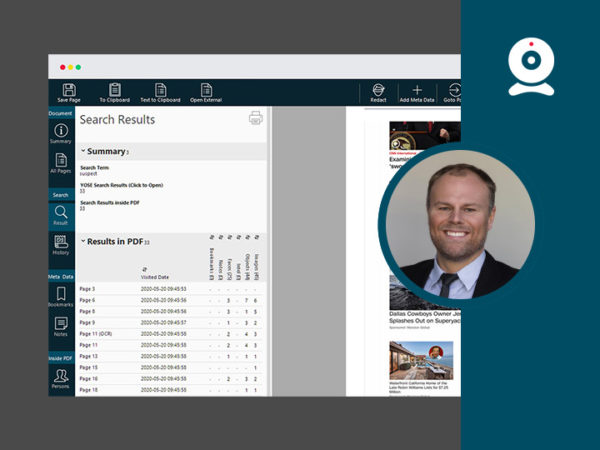
  • Search and locate text embedded in images and screenshots using OCR (Optical Character Recognition).
  • Search for specific images, objects and individuals using Object and Facial Recognition.
  • Add notes and bookmarks to key findings. It could be an entire document, a single page or just a specific section of a page.
  • Search by filtering for files based on content (faces, objects, images), bookmarks, notes, or visited/non-visited pages.

Deputy CEO and Co-founder of Paliscope - Christian Berg

Webinar details

Date:May 27, 2020

Time:14:00 CEST

Duration:45 minutes

Replay:Available in the user portal

Speaker:Christian Berg

Request recording

Christian Berg is the founder and CEO of Paliscope.