


Just released. Paliscope’s new screen recording tool makes it easier to collect video evidence and track every step along your online investigation.
For online investigators, screen recording is an important tool, and a highly requested addition to Paliscope. Screen recording not only makes it easier to collect video evidence, it also allows you to track and demonstrate your investigative process. Unfortunately, many screen recording solutions use a catch-all approach—leaving you with hours of footage to sort through and organize. Extra time many investigators can’t afford.
Before releasing a screen recording tool for Paliscope, we wanted to make sure it would be up to par with our standards for effective investigative tools. And we’re happy to announce that it is now complete and ready to deliver.
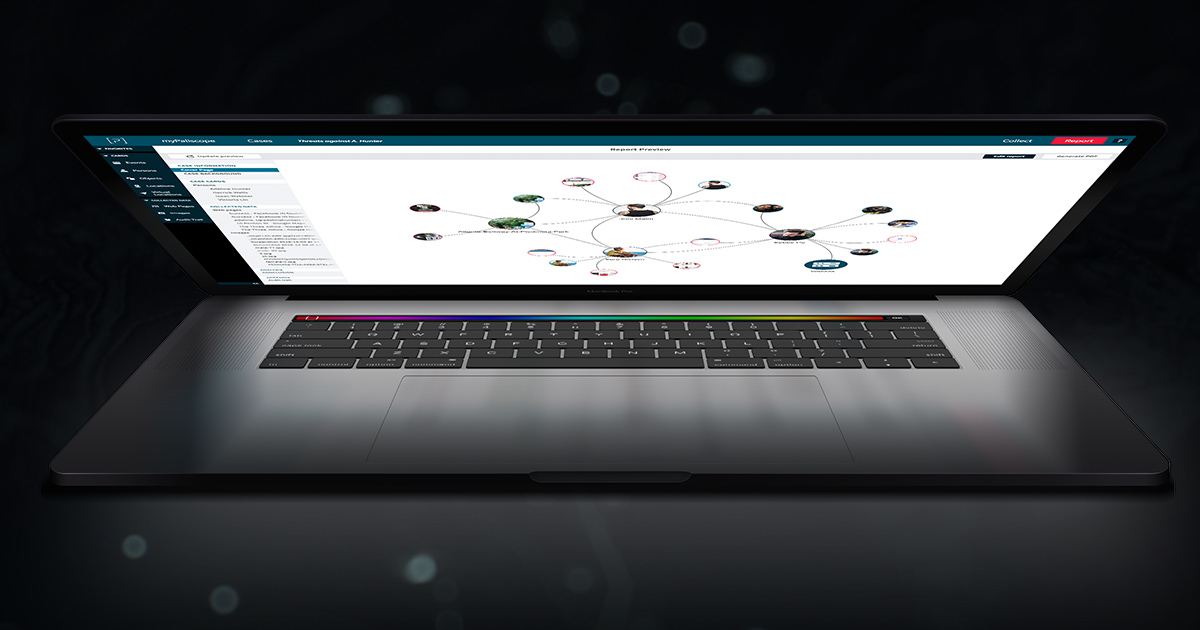
The new Paliscope Screen Recording tool lets you conduct more effective online investigations by helping you ensure important information is recorded and saved as soon as you discover it—with some key differences that make it an effortless process.
(Of course, it is now also possible to upload videos to Paliscope!)
You can use Paliscope Screen Recording to record all kinds of websites or video content, and to visually document your investigative trail as you navigate from point A to point B. Something that’s particularly useful if you ever need to backtrack in your working process, or verify a timeline or back up your procedure in court. What’s more, the tool is conveniently located inside Paliscope and it’s simple to use.
Like all Paliscope tools and features, Screen Recording ultimately helps you conduct more effective online investigations. The ability to add video evidence to your case and cover the bases of your investigative trail helps you to build a stronger case faster, and ensure that it holds up in court.
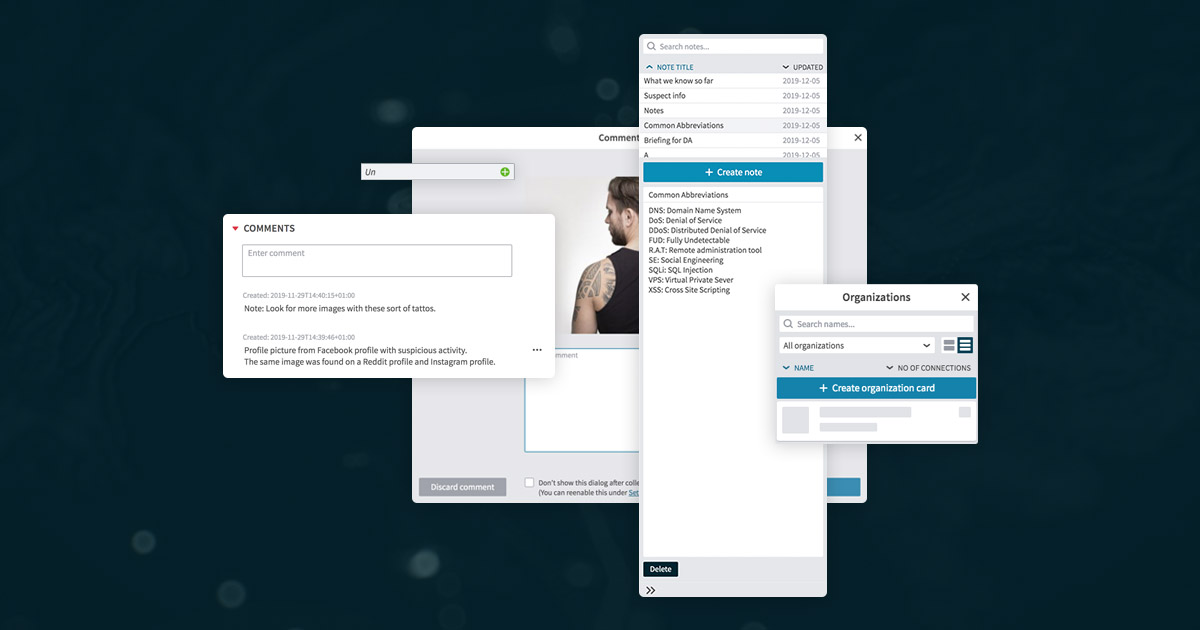
In addition to the new Visualize mode in Paliscope Discovry, we have added a new built-in notepad. This makes it easier for you to quickly take notes throughout the research process without interrupting your flow—for example, writing down new questions that need to be answered. The built-in notepad can be accessed in Collect mode and is displayed as a column on the righthand side.
Another new function added in this release is a new card type called Organizations. Based on your input, we understand that this new card type will be useful in a lot of investigations. We have also made it possible specify your own category in each card—for example, to describe who a person is and who or what they are related to.
Not a Pro user yet? We offer a free 30-day trial to give you the chance to test-drive Paliscope Pro’s different features and services.

No need to worry about evidence documentation and report formatting. Paliscope Build automates all that - keeping your cases structured, secure and easy to hand over.

Find what you are looking for with Paliscope Explore - enabling analysts and investigators to triage large amounts of data and deep dive into the findings.

Process all your data in one place, collaborate across teams, search for anything, and more.