


You have asked for ways to make it even easier to communicate your findings, and we have been listening.
In this release we introduce the beta version of image annotations, it will enable you to highlight key findings in an image or webpage capture and pixelate parts you do not want to show. You will also be able to capture and work with error pages, but more about that in the walk through below.
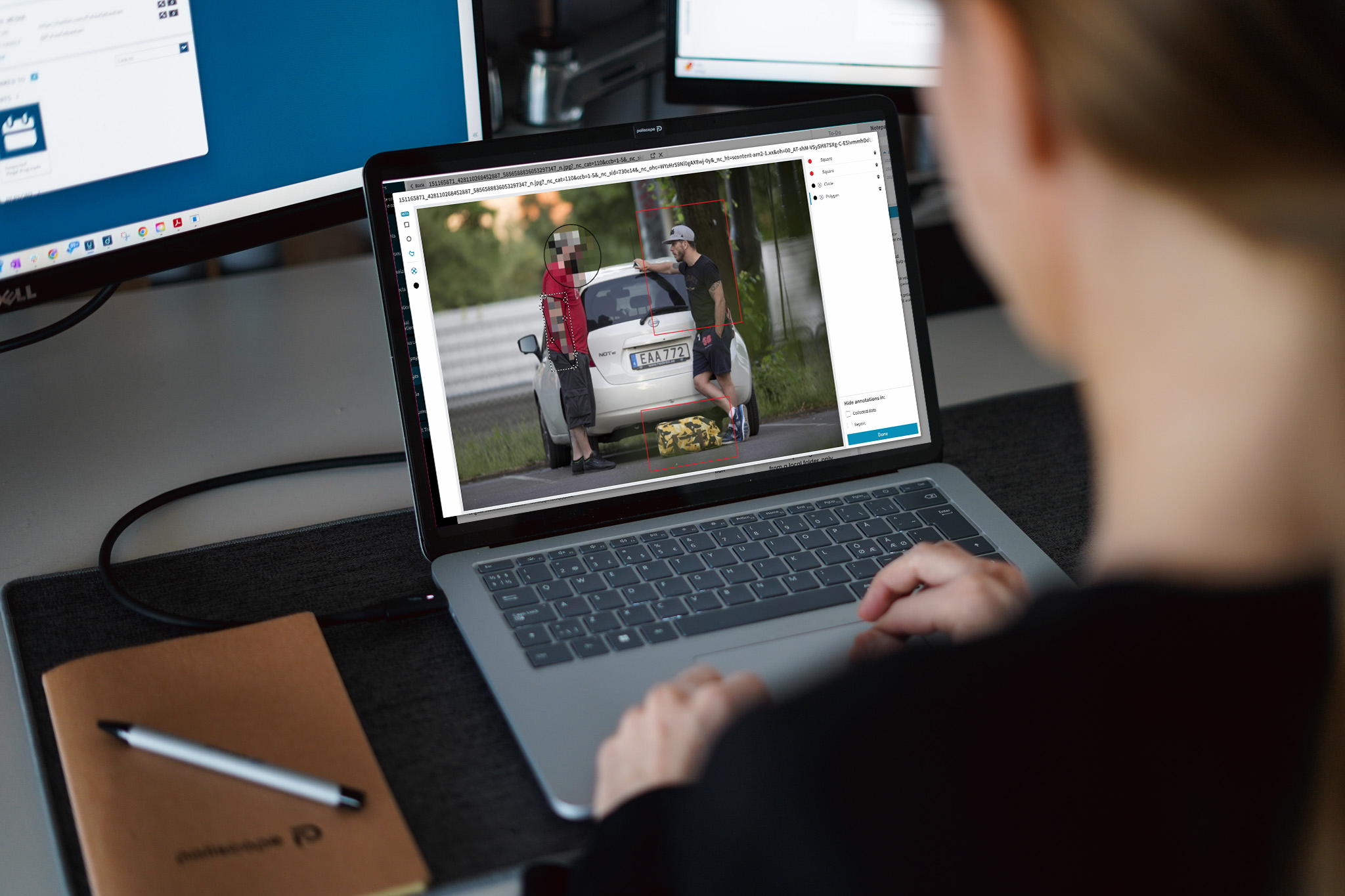
Pinpoint important findings and share with colleagues through Discovry’s new Image Annotations. With this feature you can highlight parts of images and webpage captures to easily communicate elements of interest. Choose between different shapes and colours and use the commentary field to write notes for the final case and/or report.
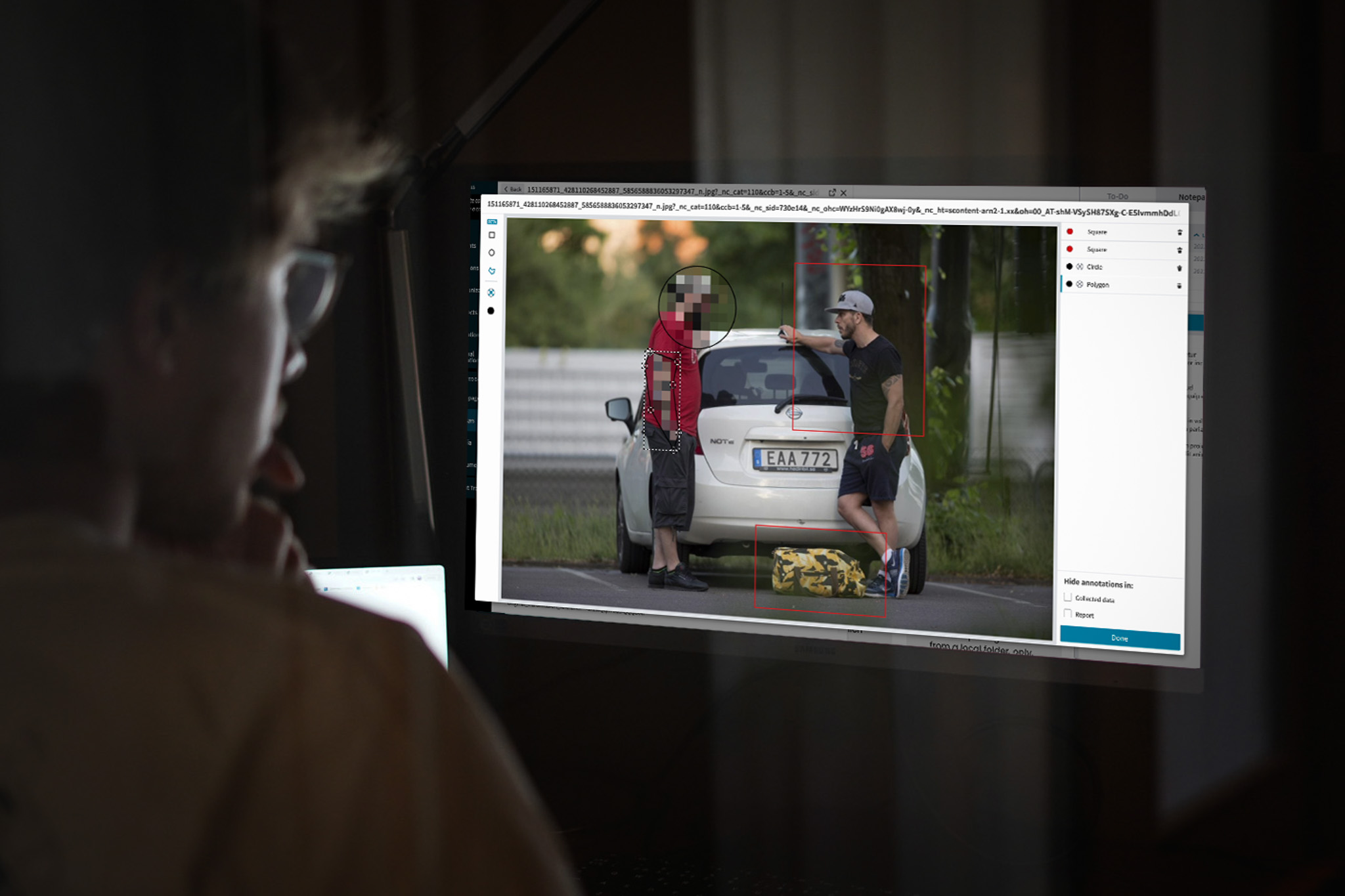
We are also introducing the possibility to hide information on your images and webpage captures. Use the pixelation feature in Image Annotations to conceal sensitive or irrelevant elements that shouldn’t be exposed in the final report. Much like the functionality above you can choose the shape and area you want to pixelate.
If you need do this in larger volumes of data you should consider YOSE(link), it uses AI to identify persons and objects and lets you hide entities by just checking a box. By integrating YOSE with Discovry you can even send your collected images or webpages back and forth between the applications, without having to move outside the Paliscope platform.
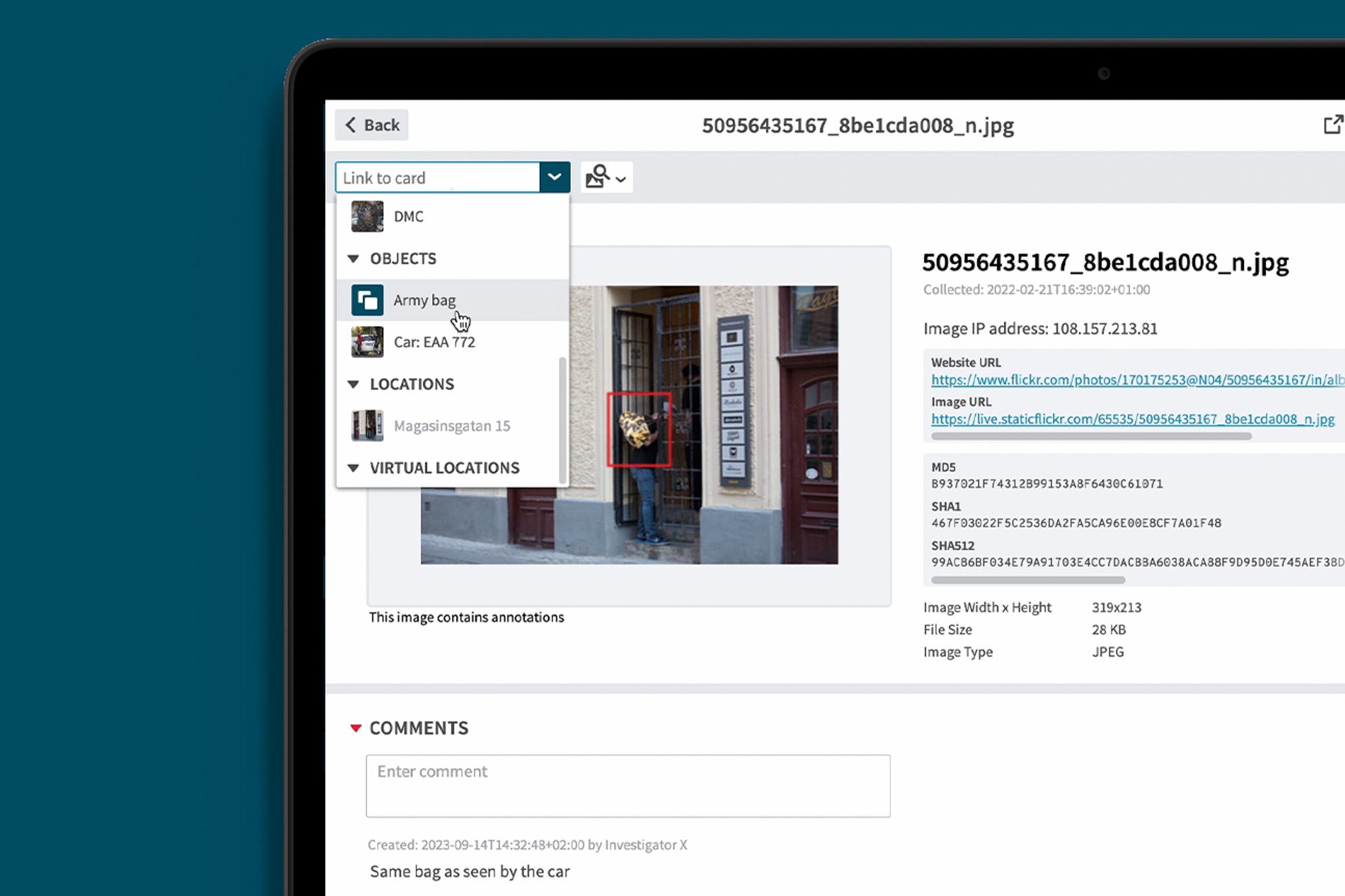
For full transparency, all the edited images and webpage captures will appear with the text “This image contains annotations”. You can easily toggle between the original and edited version in the report editor, making it possible to quickly export both unedited and edited versions of the case.

This is a beta version of image annotations. We would love your input on it and hear what additional functionality you would like to see.
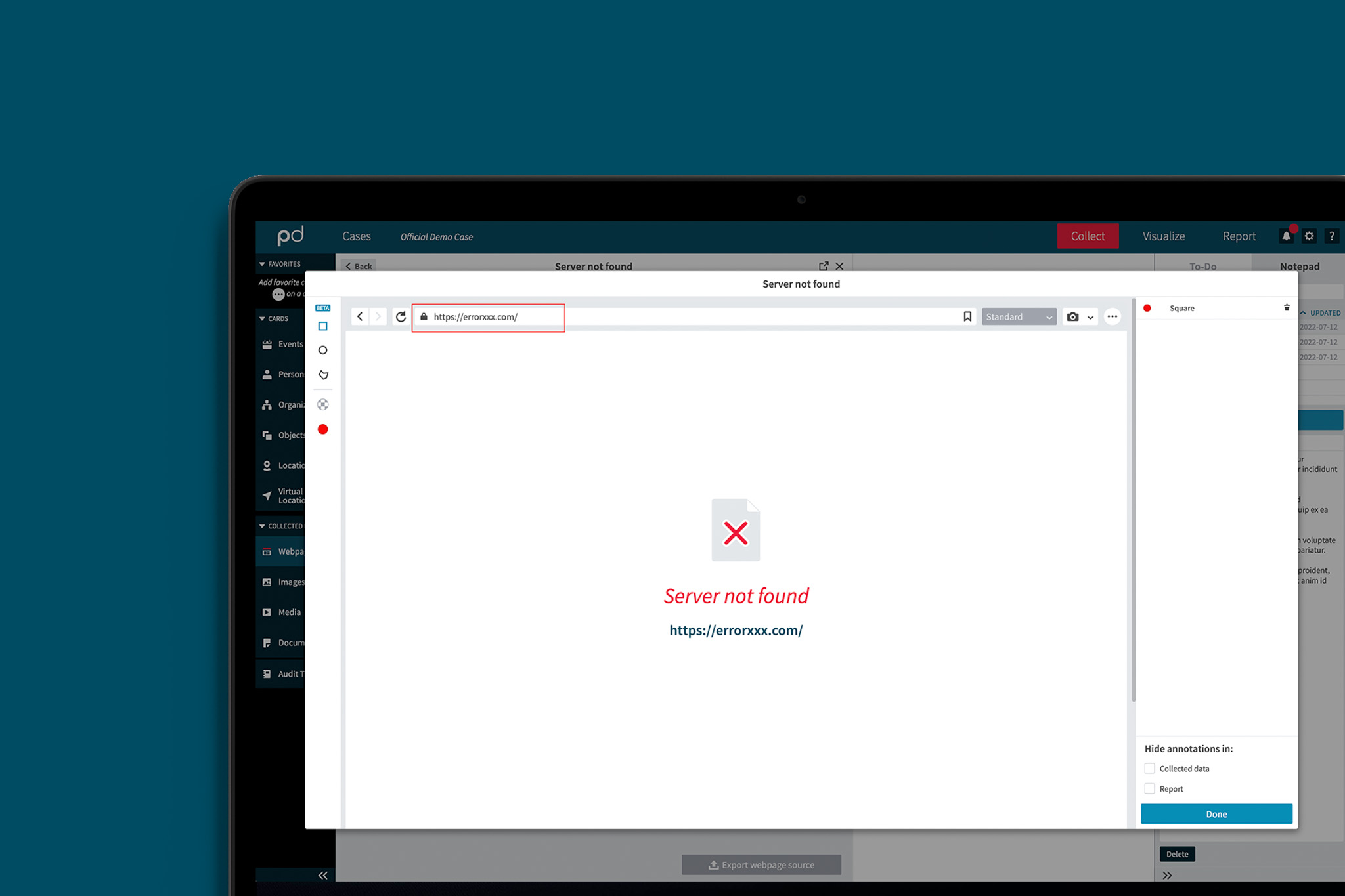
It is now possible to capture error pages with a visible URL field. This is an important feature when you want to document and show a page that has been taken down as part of your investigative work.
We are excited to release this new feature together with image annotations since they have been high up on the wish lists of our users.
Both Image Annotations and error page captures have been high up on our users wish list and we are excited to have Discovry 23.2 released.
For a full list of all improvements and updates in Discovry release 23.2, please log in to myPaliscope and read the release notes. Or simply restart Discovry to get the update automatically and try it out!

No need to worry about evidence documentation and report formatting. Paliscope Build automates all that - keeping your cases structured, secure and easy to hand over.

Find what you are looking for with Paliscope Explore - enabling analysts and investigators to triage large amounts of data and deep dive into the findings.

Process all your data in one place, collaborate across teams, search for anything, and more.