Paliscope Build 25.2.0 (June 16, 2025)
Visualize mode just got a major upgrade!
Explore your cases with improved graph layouts, including hierarchical and circular views. You can now:
– Add labels to links to explain relationships (also shown in your reports)
– Set direction and style on links for better clarity
– Preview item details directly in the graph without leaving the view
– Dig deeper, stay in flow, and tell the full story of your investigation – visually.
Read the full release notes here: link
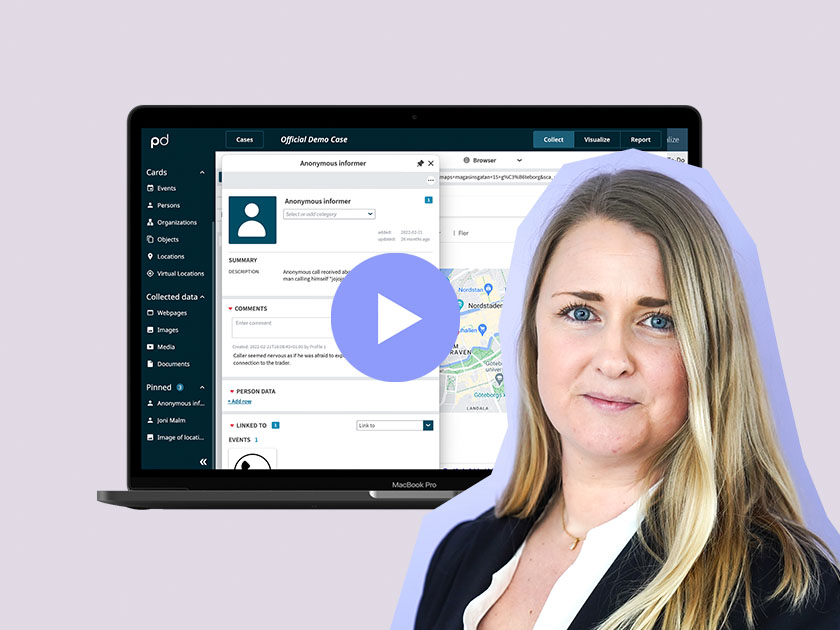
Watch the webinar where product specialist & trainer Louise walks you through how to make the most of Build’s search tools.
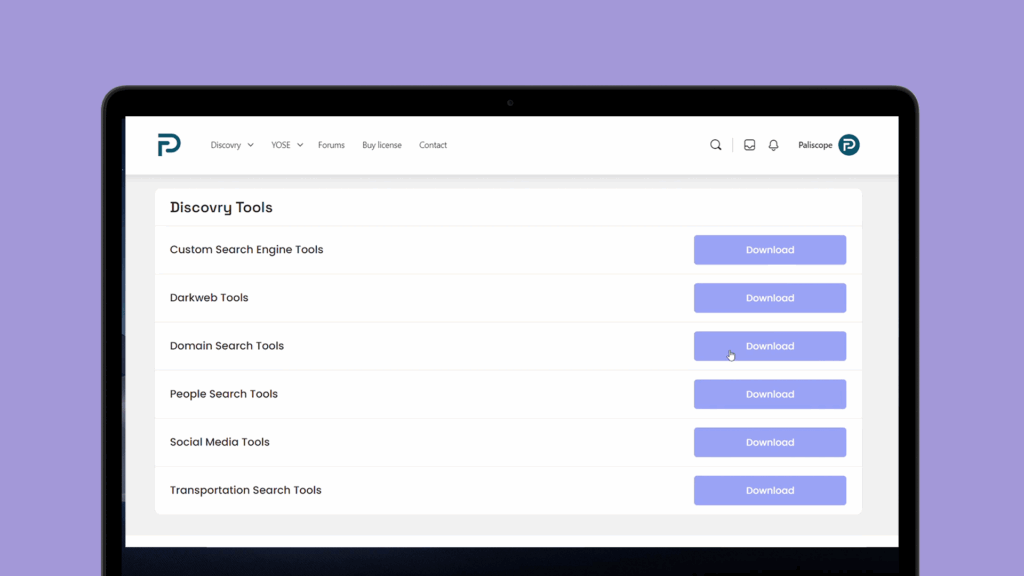
We have given our popular Tools and Bookmarklets up on myPaliscope a complete refresh, focusing on the common investigative themes that our customers deal with on a day-to-day basis.
Go to the list here:
This is how you collect data:
Cards in Paliscope Build help organize all the information you collect on a person, event, object, location, or virtual location.
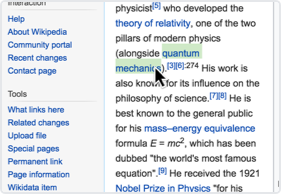
Highlight text in the browser and drag it to a card to collect it.
Or right-click on the highlighted text to open the context menu and choose a card.
Drag and drop an image onto a card or on Images in the side menu. Or right-click the image to open the context menu and choose a card.