


Discovry’s report engine has always been highly appreciated by investigators. After all, being able to swiftly create a well designed and professional report with the simple push of a button saves valuable time which can, instead, be spent solving more crimes.
As proud as we are of how our report engine has revolutionized a formerly arduous admin task, our quest to make case reporting as efficient as possible will never be finished.
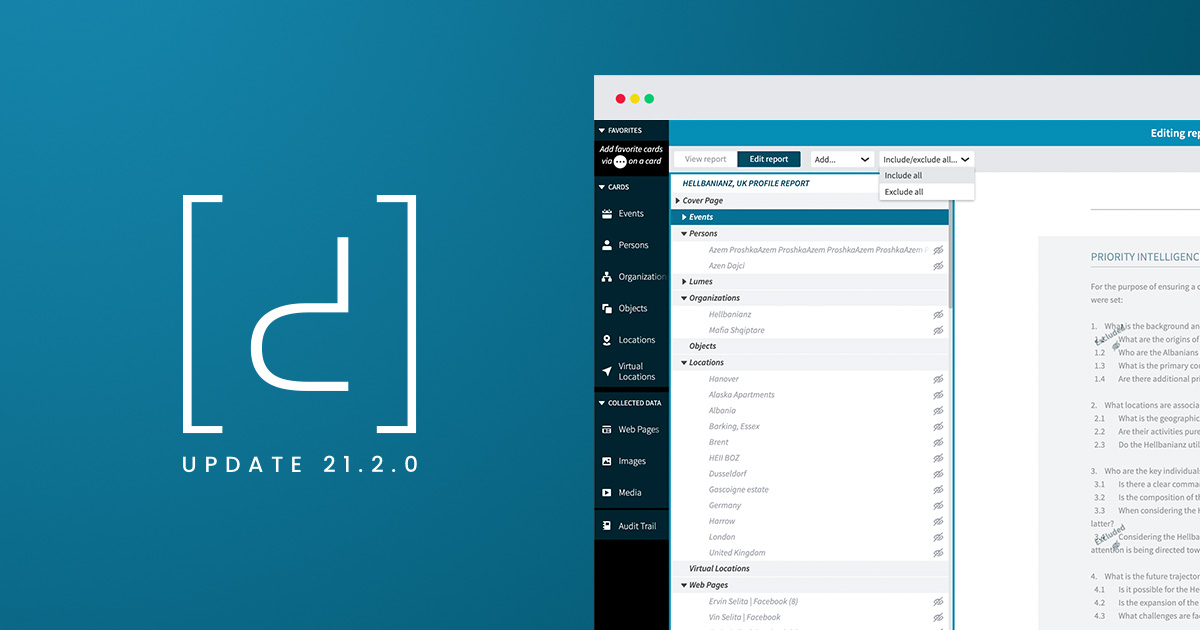
With this update, we’ve taken a huge step towards our goal of creating the smartest, fastest and most flexible report engine for digital investigations on the market. Now, Discovry users can quickly and flexibly select and decide what they want to include in their report—without having to make any changes to their case or collected data.
Reporting is more flexible than ever, but we have also worked to make it easier to understand how specific changes made to a case or data will affect the final report. With this update, all functions that impact the report can be found under report mode in Discovry.

Easily swap and rearrange collected data to create a structure that suits you. Using the new “Edit Report” function, you can now drag and drop groups, text pages, screenshots, images and other data. Of course, chain of custody is always maintained—even if you change the layout of the data in your report.
You decide what should be included or not in your report. If you want to exclude data, just click “Hide.” You can also choose to “Exclude all” or “Include all” in order to quickly build the structure you want.
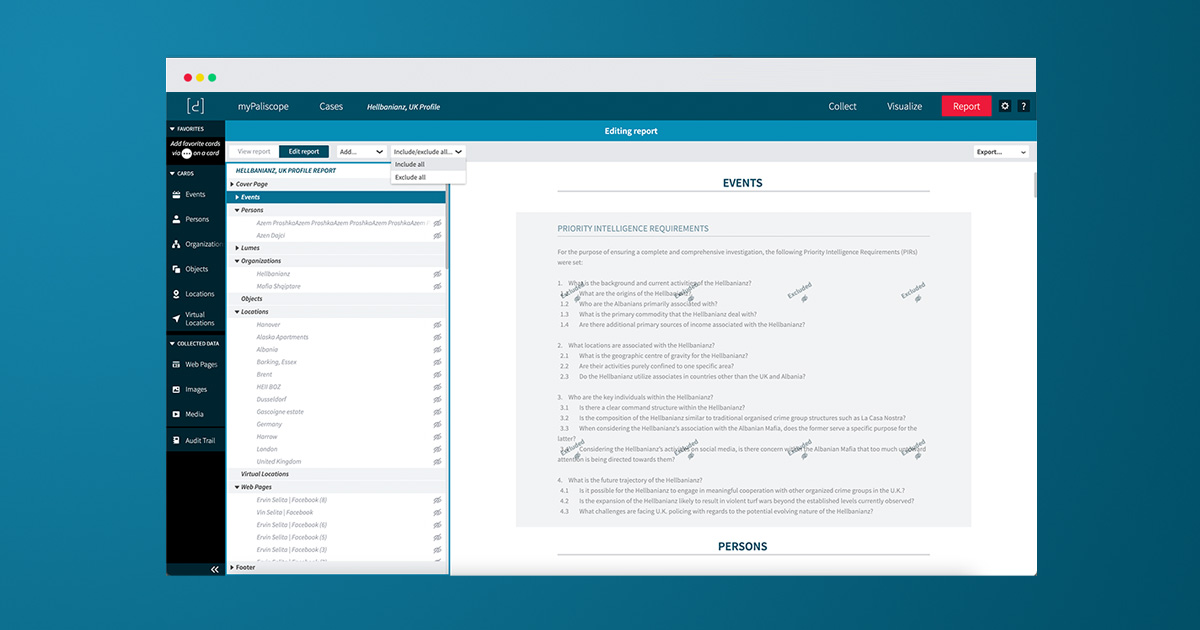
When it comes to digital forensic reporting, we believe that flexibility, structure and clarity are a must. You can now add text pages anywhere you want in the report. This is especially ideal if, for example, you want to create your own context or introduction to your investigation at the start of the report. You can also easily create data groups which, in a nice and clear way, categorize your data according to your wishes.
We spoke with an expert on this very topic. Read the blogpost here: Best practices for writing a digital forensics report.
Creating your own cover page is now easier than ever. You can also choose between three different footer alternatives —unless you’d prefer to choose exactly what should be in the footer, because of course you can do that.
In addition to optimizing the code, we have also virtualized the report engine. Previously, the entire report was loaded at once, which could be a bit cumbersome with larger reports. Now, reports are loaded bit by bit, which, in plain language, means that the report now loads a lot faster compared to the previous version. Generating a PDF report is also much faster in this version. Test and experience it for yourself!
Navigating the HTML version of the report—the one you usually work in—is now clearer and easier to navigate than ever before. Among other improvements, we have made it possible to view screenshots, collected webpages and other images as thumbnails instead of as a whole. If you want to enlarge to view the whole picture, simply press a thumbnail for a full sized image.
In addition to all the work we have put into making the report engine the best on the market, we have also smashed a bunch of bugs and done some general polishing throughout the software.
For more information about all the updates in Discovry 21.2.0, check out our release notes.
Thank you for being part of our journey as we create the best software on the market for investigators around the world.

No need to worry about evidence documentation and report formatting. Paliscope Build automates all that - keeping your cases structured, secure and easy to hand over.

Find what you are looking for with Paliscope Explore - enabling analysts and investigators to triage large amounts of data and deep dive into the findings.

Process all your data in one place, collaborate across teams, search for anything, and more.